

My Role


Design Tools
Project Time
Discovery and research, Competitor analysis, Low-fidelity wireframes and prototypes, High-fidelity designs and asset creation, Usability testing and validation, Providing direction to the design team

Figma, Illustrator, Photoshop,
Tilda, Blender
Tilda, Blender
Started in November 2020. Still in development


We live in a time when environmental issues are at the forefront and leave no one indifferent. We are all trying in one way or another to preserve, not harm, and improve the environmental situation in the world.
I, too, have not stood aside. Together with a team of augmented reality enthusiasts, we set out to replace all paper instructions with AR instructions. Our goal may seem like just a drop in the ocean compared to the overall consumption of paper. But what is the sea if not a multitude of drops?
Think about it: how many times have you encountered instructions for a product? Almost all products come with instructions, from small appliances to large cars and ships!
I suppose now my "drop" doesn't seem so small. Doesn't it?
I, too, have not stood aside. Together with a team of augmented reality enthusiasts, we set out to replace all paper instructions with AR instructions. Our goal may seem like just a drop in the ocean compared to the overall consumption of paper. But what is the sea if not a multitude of drops?
Think about it: how many times have you encountered instructions for a product? Almost all products come with instructions, from small appliances to large cars and ships!
I suppose now my "drop" doesn't seem so small. Doesn't it?


A push for innovation
Frequent problems for companies
A large number of paper manuals are produced by furniture companies. This is where we decided to start.
We contacted 720 companies in Germany from whom we learned that they were still using paper instructions and were interested in introducing augmented reality instructions.
We contacted 720 companies in Germany from whom we learned that they were still using paper instructions and were interested in introducing augmented reality instructions.
Managers say that in their practice, it has happened very often that the instructions were attached to furniture that did not comply with these instructions. And because of the low level of detail in the instructions, the assemblers could not figure out how to assemble the furniture correctly.
Therefore the furniture was often assembled incorrectly and parts broke. As a result, companies incurred high costs and received negative feedback about the products.
Therefore the furniture was often assembled incorrectly and parts broke. As a result, companies incurred high costs and received negative feedback about the products.

As I acted as CTO and was the only designer in this project, I did the whole UX and UI design process from scratch by myself.
I won't give examples of prototypes, wireframes, sitemaps, etc. here. I thought it would be better to show the finished application interface.
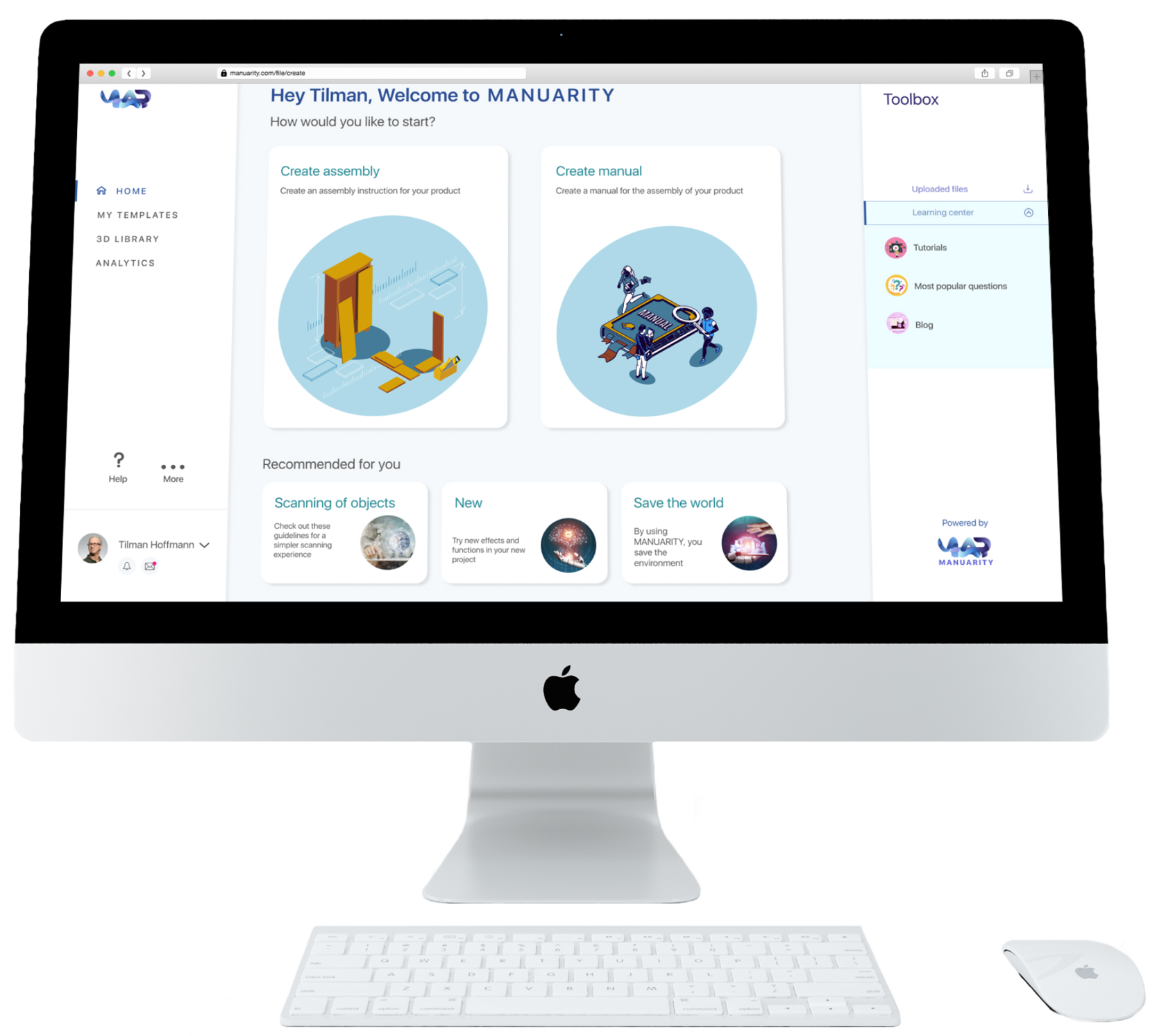
When creating MANUARITY, we have stuck to our main goal: ease of use. We want everyone to be able to create their own instructions, even if they don't have any programming skills.
Well, this is what we've come up with:
I won't give examples of prototypes, wireframes, sitemaps, etc. here. I thought it would be better to show the finished application interface.
When creating MANUARITY, we have stuck to our main goal: ease of use. We want everyone to be able to create their own instructions, even if they don't have any programming skills.
Well, this is what we've come up with:
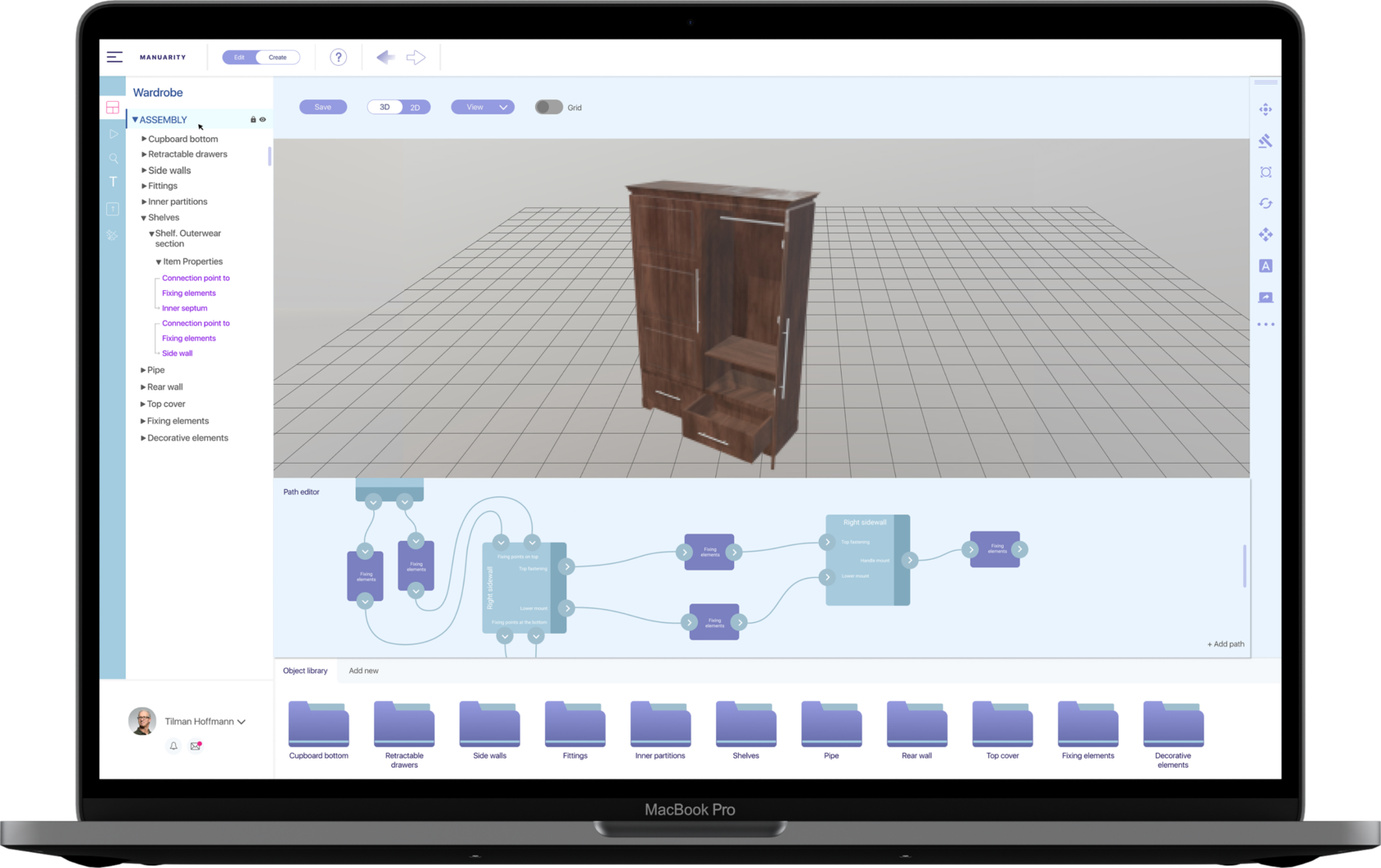
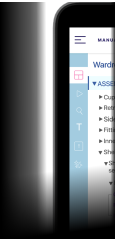
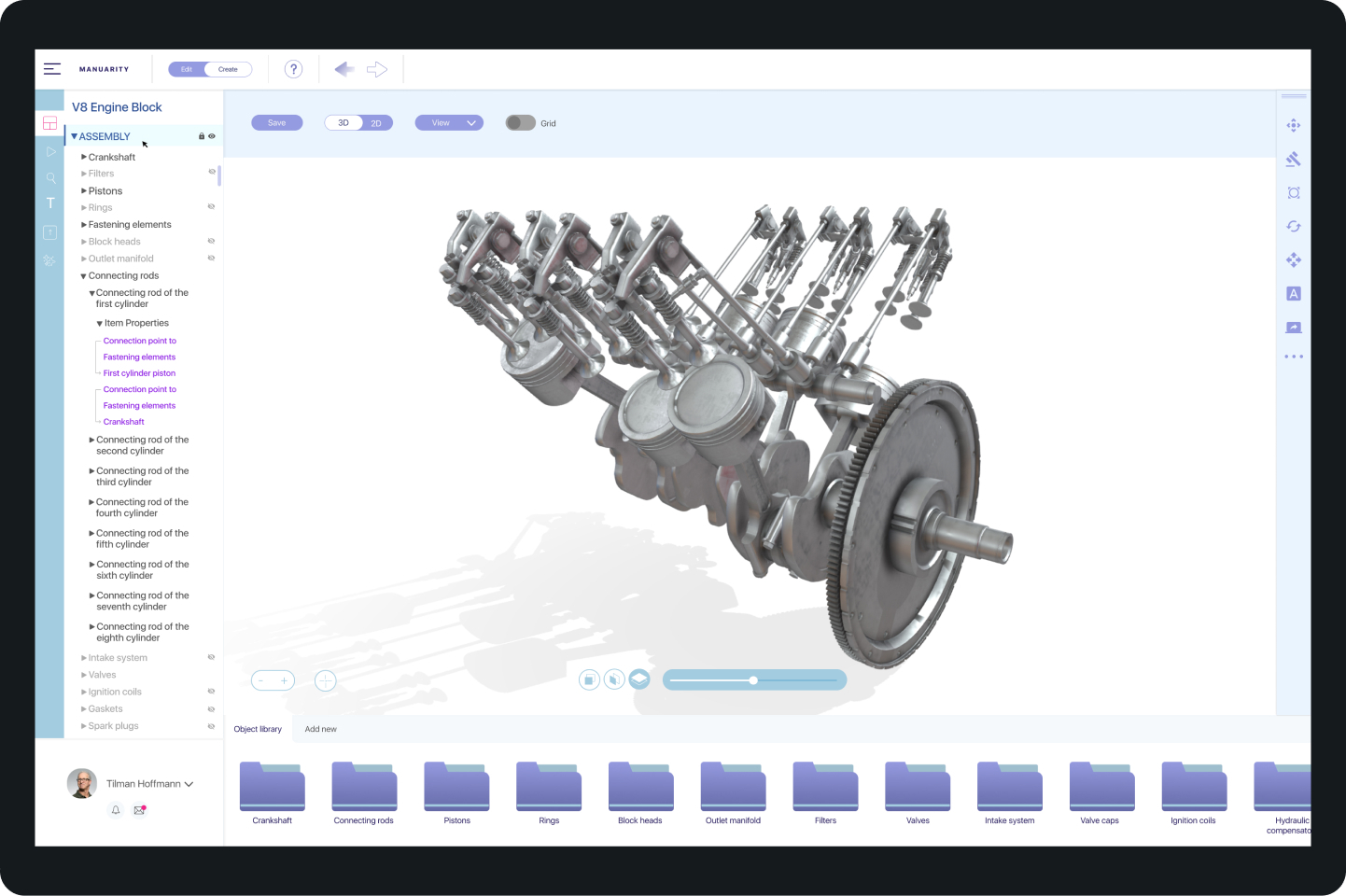
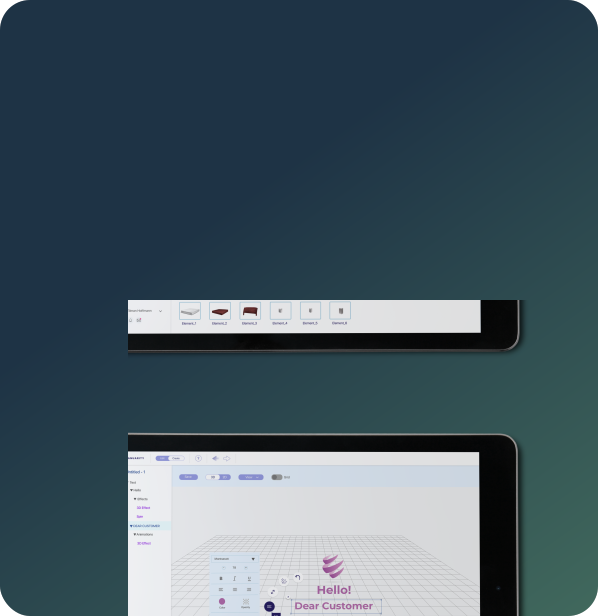
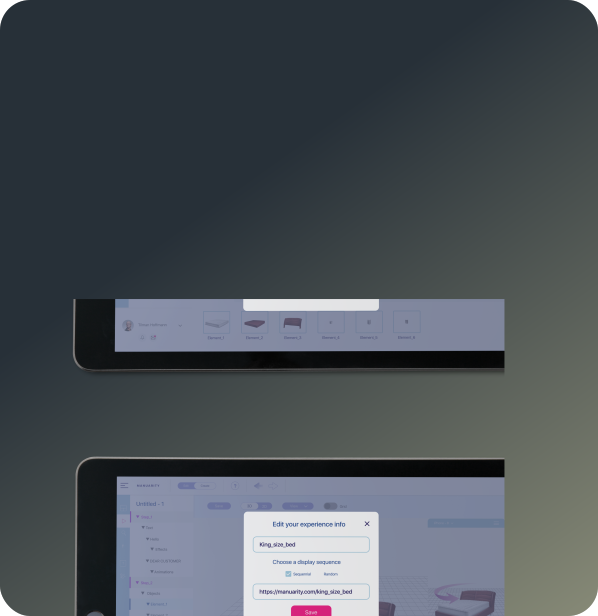
Workspace selection panel.
Here you can switch to modes such as creating instructions, working with text, working with animation.
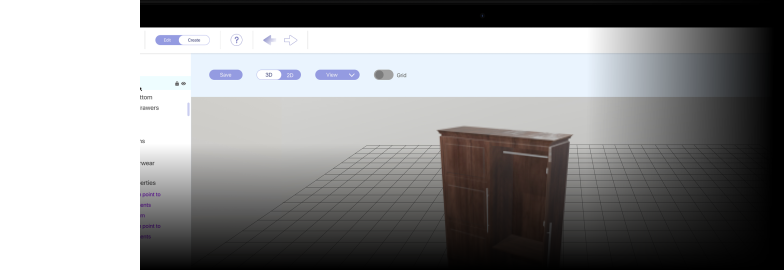
Layers panel.
This is the panel for working with layers. All loaded layers and their properties are displayed here.
Path editor.
This is where all the "magic" of creating instructions takes place. Connection points are set for each layer, and then the elements are connected at the right points to each other.

Step 1
Step 2
Step 3
Step 4
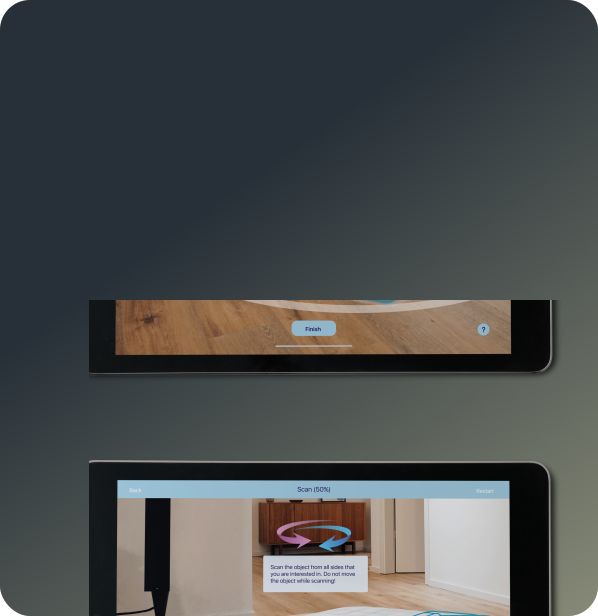
Scan your product
Open MANUARITY on any of your devices, tablet or phone. Launch the AR scanner and follow the instructions to scan your product.
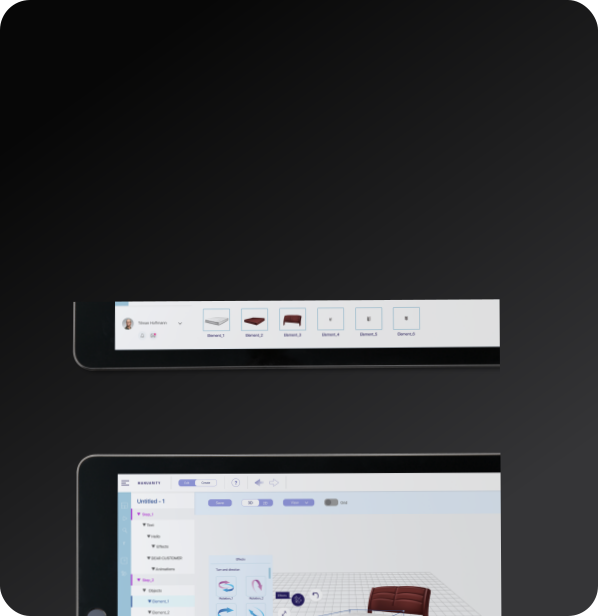
Visualize in 3D
After the scanning, all the elements will appear on your screen. Adjust and link them together in the right order.
Launch the app
Now choose your favorite design, add text instructions, graphic elements, animations, sounds, and much more. Launch your product manual and make it accessible for your customers.
Label your product
Print your QR code and label it on your product. Let your customer enjoy the great AR product journey after unboxing and scanning the QR code.

The first manual we digitized was the Frankenstolz bed assembly instructions. They wished to begin by assembling instructions without augmented reality.
Scan this QR code to view the instructions or follow the link.
Scan this QR code to view the instructions or follow the link.

The product is currently under development. The first version of the application is ready, but it is not yet ready for commercial use. This is why we are creating the first cases for our customers ourselves.
Our team is working day and night to create a commercial version so that our customers can create their own instructions in augmented reality.
Our team is working day and night to create a commercial version so that our customers can create their own instructions in augmented reality.


